For over a decade, JavaFX has relied on a standard set of layout containers: HBox, VBox, GridPane, and BorderPane. They are robust, but they come from an era where application windows were mostly static.
Today, user expectations have changed. Interfaces need to be fluid. They need to adapt gracefully whether they are running on a 13-inch laptop, a vertical tablet, or an ultrawide monitor.
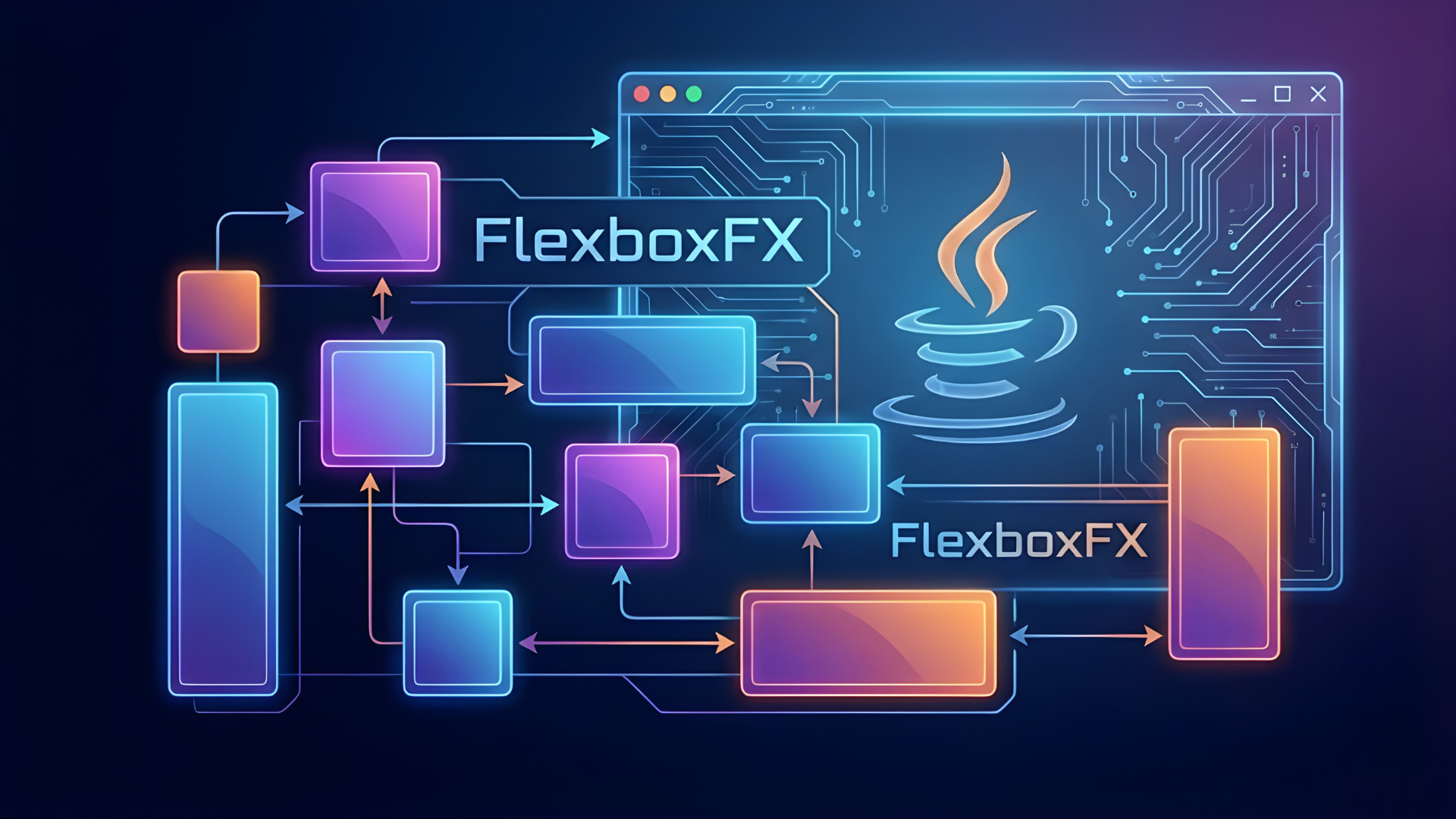
At Logicbind, we recognized that the existing tools weren't agile enough for modern UI demands. That is why we created FlexboxFX, a native Flexbox layout engine for the JavaFX platform.
Here is why this tool is a game-changer for our application strategy.
Solving the "Responsive" Problem
In standard JavaFX, making a layout "responsive" often involves complex listeners and manual calculations. If you resize a window, components often get cut off or leave awkward empty spaces unless you write specific code to handle it.
FlexboxFX was built specifically to solve this. It brings the intelligence of the modern web to the desktop. By implementing this, our applications can now:
- Auto-wrap content: If a row of cards doesn't fit, they naturally flow to the next line.
- Distribute space evenly: We can automatically space elements out or center them perfectly without using "spacer" nodes or transparent rectangles.
- Grow and Shrink: Elements effectively negotiate for space, ensuring the most important content takes priority when the window gets small.
Unifying the Developer Mental Model
The gap between web development and desktop development is shrinking. Most modern developers are already fluent in CSS and web standards.
FlexboxFX bridges that gap. A developer who knows how to center a div on a website already knows how to layout a dashboard using our tool.
Why this matters: It drastically reduces the learning curve for new team members. We aren't asking them to learn a proprietary Java layout system; we are letting them use a universal standard they already mastered.
Reducing "Layout Nesting"
To achieve complex designs in standard JavaFX, developers often have to nest containers inside containers—an HBox inside a VBox inside a BorderPane. This creates a deep, complex scene graph that impacts performance and is hard to debug.
FlexboxFX is multidimensional. It handles alignment, direction, and spacing all in one container. This allows us to build flatter, cleaner UI hierarchies.
The benefit: Cleaner code, easier maintenance, and better rendering performance for the end user.
Perfect Alignment (Finally)
Anyone who has developed for desktop knows the pain of trying to vertically center an item inside a container. It often requires specific constraints or binding properties.
With FlexboxFX, alignment is a first-class citizen. Whether it's center, space-between, or flex-end, we can control the precise position of every button and label with a single property. This ensures our applications look pixel-perfect across different screen resolutions without manual tweaking.
Comparison: Standard JavaFX vs. FlexboxFX
To visualize the difference, here is how FlexboxFX compares to the traditional containers developers have used for years.
| Feature | Standard JavaFX Layouts | FlexboxFX |
|---|---|---|
| Responsiveness | Rigid. Requires writing custom code or listeners to handle window resizing effectively. | Fluid. Components automatically grow, shrink, or wrap to the next line based on available space. |
| Alignment | Complex. Vertically centering an item often requires specific hacks. | Effortless. Uses simple properties to align items perfectly on any axis. |
| Code Structure | Deep Nesting. Often requires putting an HBox inside a VBox inside a BorderPane. | Flat Hierarchy. A single FlexboxFX container can handle complex arrangements. |
| Space Distribution | Manual. Requires adding transparent "Spacer" nodes or calculating pixels. | Automatic. Automatically distributes free space evenly between or around components. |
The Vision
We believe that the "desktop vs. web" divide is artificial. Good layout principles work everywhere.
By building FlexboxFX, we have given our desktop applications the fluidity of the modern web, combined with the raw performance of Java. It allows us to build interfaces that are not just functional, but genuinely adaptive to the user's environment.