In the rush to modernize, the desktop application is often left behind. While mobile apps get sleek, unified design languages, enterprise desktop software frequently resembles an archaeological dig—layers of different UI trends, inconsistent buttons, and conflicting layouts built over a decade.
The result is the "Frankenstein UI": functional software that is exhausting to use and expensive to maintain.
At Logicbind, we believe that complex software doesn't have to be complicated. The solution isn't just a visual refresh; it's moving away from ad-hoc styling and toward a rigorous Desktop Design System.
Here is how we approach building the infrastructure for scalable, maintainable desktop experiences.
Why Desktop is Different
Many companies try to copy-paste web design systems (like Bootstrap or Tailwind UI) directly onto the desktop. This rarely works well. Desktop applications have unique constraints and requirements that web-first systems often ignore:
Information Density: A data analyst needs to see 50 rows of a grid at once. A consumer web UI that loves "white space" feels incredibly inefficient to a power user.
Complex Interaction States: Desktop relies heavily on keyboard navigation, right-click context menus, multi-window management, and drag-and-drop workflows that don't exist on mobile.
OS Integration: A JavaFX app on Windows needs to feel at home next to Excel, while on macOS it needs to respect different windowing conventions.
A successful desktop design system must embrace these complexities, not hide them.
The Three Pillars of Our Desktop Systems
When we build a design system for a client (or for our own internal frameworks), we build it on three foundational layers.
Layer 1: Design Tokens (The "DNA")
Before we build a single button, we define the atomic values of the interface. We don't hardcode hex colors like #0050B3 in our CSS files. Instead, we define semantic variables.
Instead of: background-color: #eeeeee;
We use: -fx-background-color: var(--surface-container-lowest);
By tokenizing colors (using systems like HCT), typography, spacing, and corner radii, we create a single source of truth. If a brand color changes, we update one token, and thousands of screens update instantly.
Layer 2: The Component Library (The "Bricks")
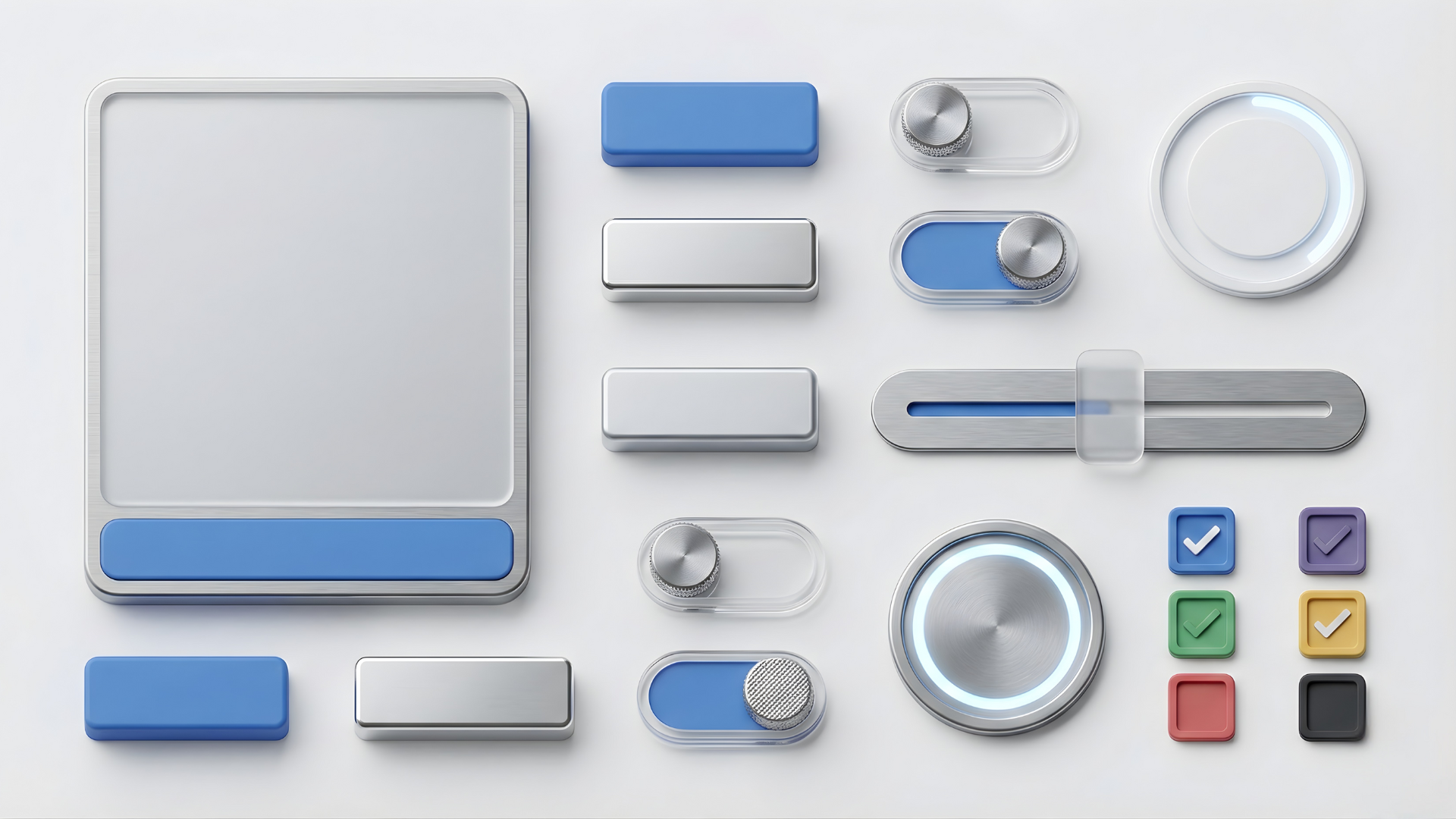
This is where our work with Material Design 3 in JavaFX shines. We build a library of reusable, battle-tested components.
But a desktop component library goes beyond simple buttons. It includes:
High-Performance Data Grids: Tables that can handle virtually infinite scrolling without lagging.
Complex Inputs: Date pickers, multi-select combo boxes, and rich text editors designed for mouse and keyboard efficiency.
Navigation Patterns: Robust sidebars (Navigation Rails) and tab panes that handle deep application hierarchies.
Every component is accessible by default, ensuring focus states and contrast ratios are baked in.
Layer 3: Layout Patterns (The "Blueprints")
Components are useless if they are arranged haphazardly. A design system must define how components come together.
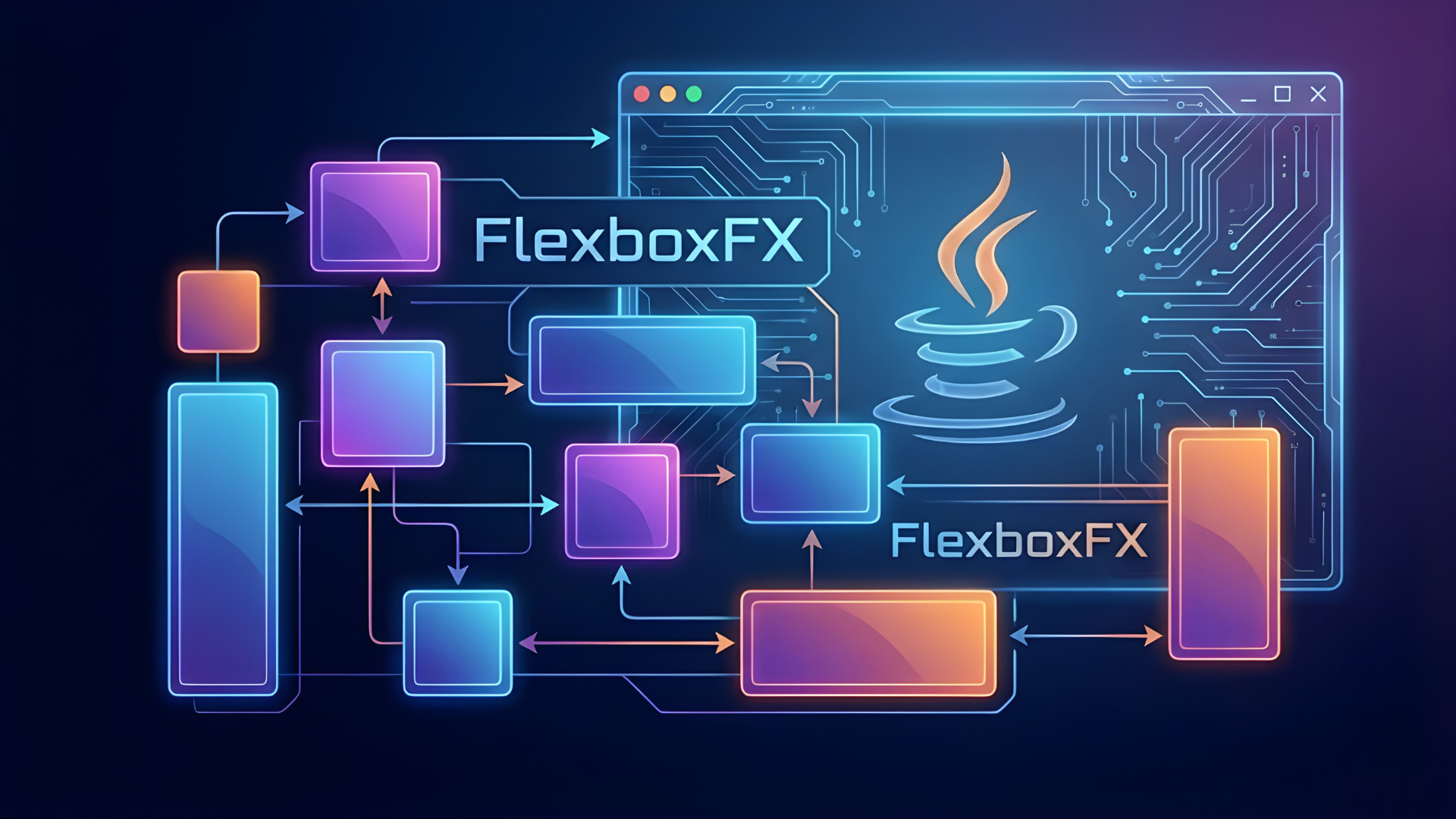
This is why we built tools like FlexboxFX. We need standardized ways to build dashboards, forms, and split-panel views that are responsive to window resizing. By defining these patterns, developers don't have to reinvent the layout for every new feature—they just snap the "bricks" into the approved "blueprints."
The Business Value of Systematizing Design
Moving to a design system is a significant up-front investment. Why do we do it?
1. Velocity vs. Speed
Without a system, you can build the first screen fast. But the 50th screen takes just as long as the first, because you are constantly reinventing UI. With a design system, the first screen is slow, but the 50th is incredibly fast because 90% of the work is already done.
2. Reducing Technical Debt
When every developer writes their own CSS for a button, you end up with 50 slightly different button styles. Changing them later is a nightmare. A design system centralizes UI logic, making maintenance trivial.
3. A Shared Language
A design system bridges the gap between designers (in Figma) and developers (in Java code). When a designer asks for a "Primary Tonal Button," the developer knows exactly which JavaFX component to instantiate, with zero ambiguity.
Conclusion
A desktop application is a long-term asset. It shouldn't be built with short-term thinking. By investing in a robust Design System, we ensure that our software is not just functional today, but adaptable for tomorrow. It turns UI from a liability into sustainable infrastructure.