In the world of enterprise software, functionality usually comes first, while design is often a distant second. We decided to challenge that norm.
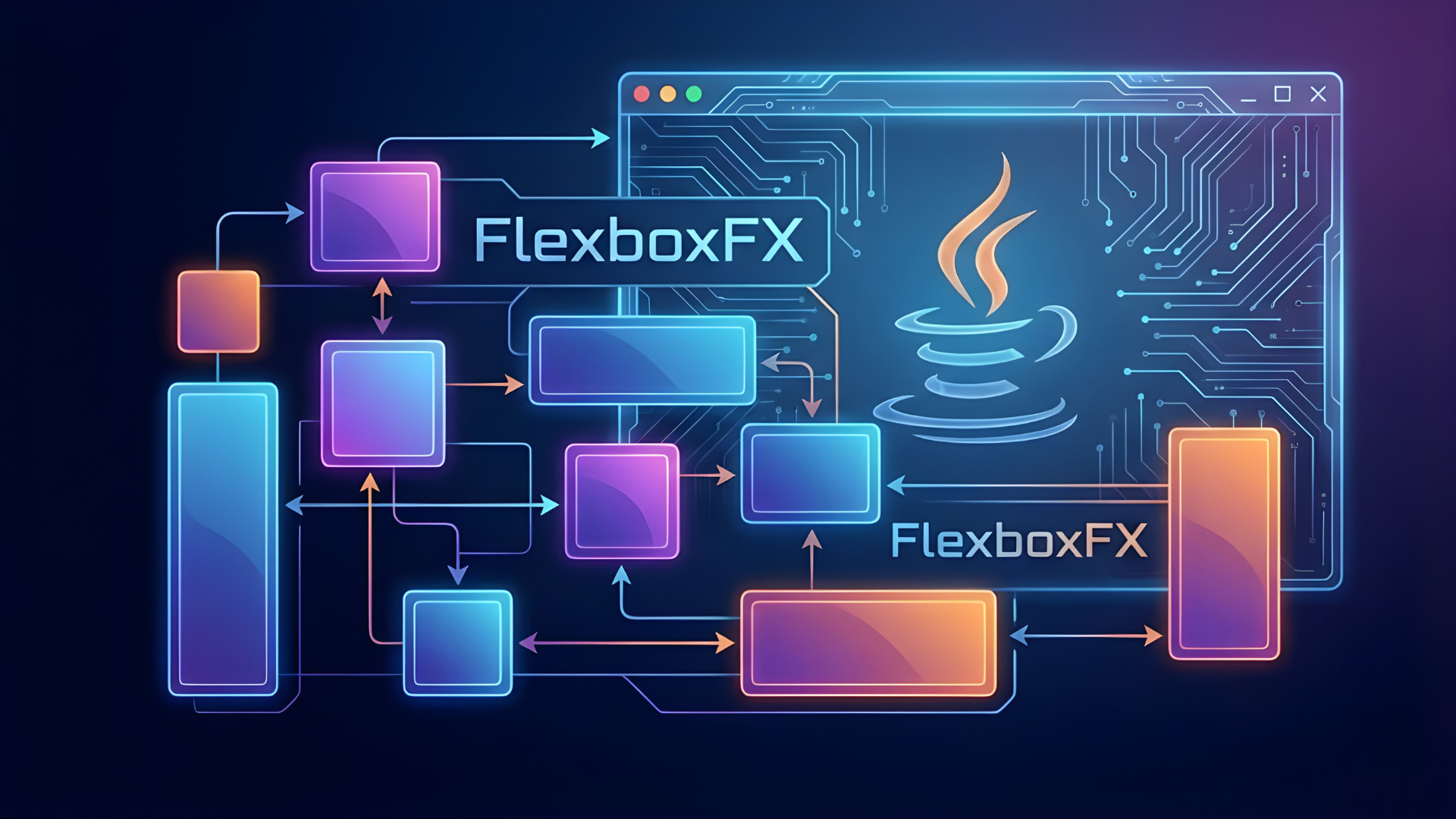
At Logicbind, we have developed a comprehensive UI framework based on Material Design 3 (Material You) specifically for JavaFX. This wasn't just an aesthetic choice; it was a strategic move to future-proof our applications and deliver a superior experience to our users.
We didn't just want to build another desktop app; we wanted to build a system that serves our clients better. Here is why we chose this path.
Instant Familiarity, Zero Friction
The most valuable asset in software is user intuition. If a user has to read a manual to understand what a button does, the design has failed.
We chose Material Design 3 because it is the design language of the modern web and mobile world. Billions of users interact with these patterns daily on their phones and in their browsers. By bringing this exact design language to the desktop, we eliminate the learning curve.
How this serves the user:
- Reduced Training Time: Employees instinctively know how to navigate our apps because the visual cues are familiar.
- Confidence: Standardized interactions mean users are less afraid of making mistakes.
Design That Adapts to You (Material You)
One of the core innovations of Material Design 3 is Dynamic Color. In traditional software, you are stuck with the colors the developer chose.
Our framework embraces the "Material You" philosophy, where the interface is not static. It can algorithmically generate high-contrast, harmonious color palettes based on brand colors or user preferences.
How this serves the user:
- Accessibility First: The framework automatically ensures that text and background colors meet accessibility standards, reducing eye strain during long work sessions.
- Seamless Branding: We can deploy the same application to different clients, and with a simple configuration, the entire UI adapts to their specific brand identity without a single line of code change.
Accelerating Development Speed
By codifying these design principles into a reusable framework, we have stopped reinventing the wheel. We no longer spend time debating pixel margins or button shadows for every new project.
How this serves the user:
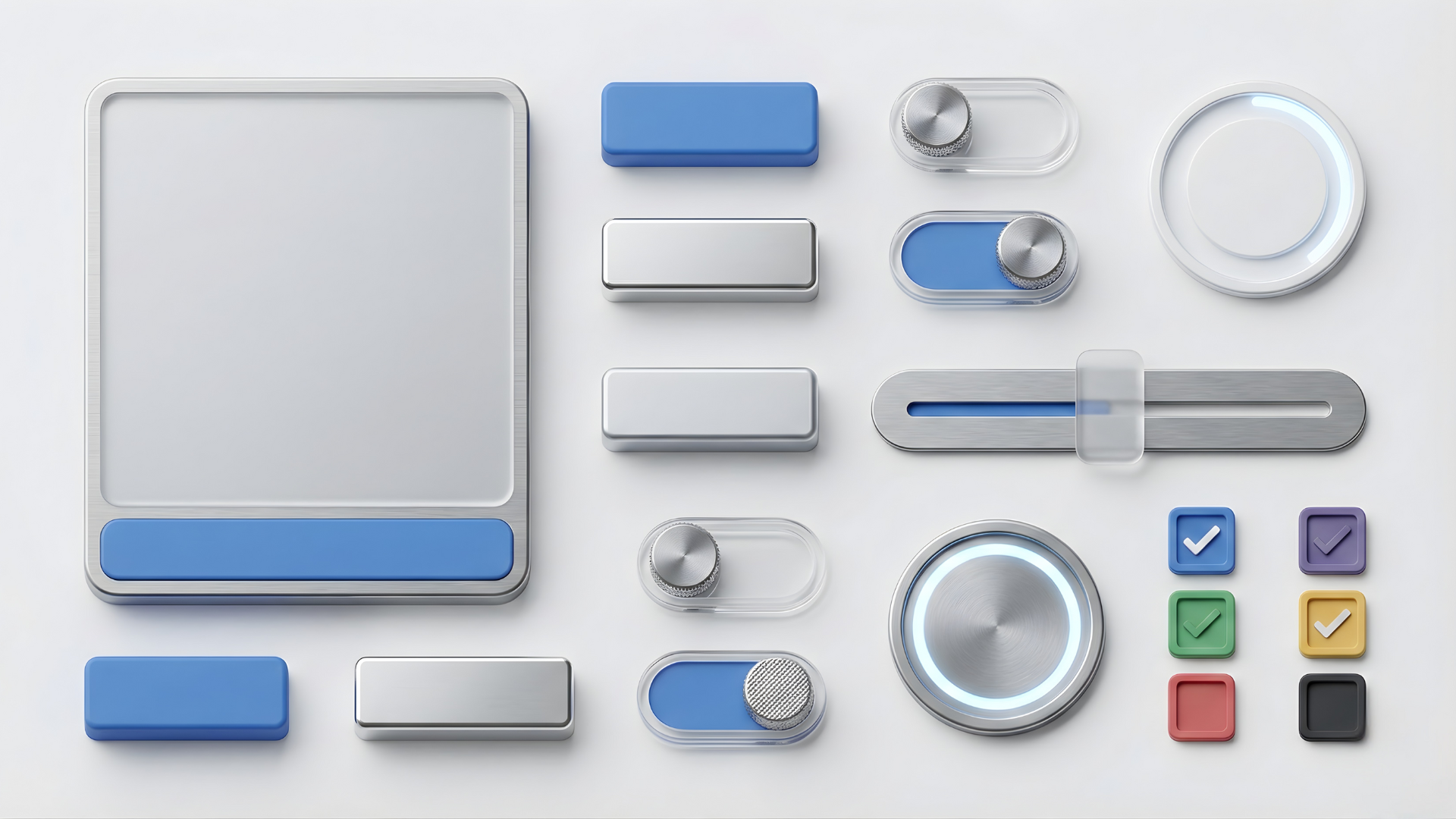
- Faster Delivery: With a library of pre-built, polished components (like Navigation Rails, Cards, and Floating Action Buttons), we can prototype and build complex applications significantly faster.
- Focus on Logic: Our developers spend less time fighting with CSS and more time solving the complex business logic that actually matters to your business.
Modernizing the Enterprise
Desktop applications have a reputation for looking "legacy"—clunky, gray, and rigid. This affects how users perceive the quality of the software. If it looks old, they assume the technology behind it is old.
Our framework brings the fluidity, depth, and animation of modern consumer apps to the enterprise desktop. We use elevation (shadows) to show hierarchy and ripple effects to provide tactile feedback.
How this serves the user:
- Perceived Quality: A polished, modern interface builds trust. It signals that the software is robust, maintained, and cutting-edge.
- Better Workflow: Visual depth helps users understand the structure of their data, making complex dashboards easier to scan and understand.
Consistency Across the Ecosystem
Many of our clients operate across multiple devices. A user might start a task on a mobile tablet and finish it on a desktop workstation.
By adopting Material Design 3, we ensure that the desktop experience isn't the "odd one out." It shares the same visual language as mobile and web platforms, creating a unified ecosystem.
How this serves the user:
- Seamless Transition: Moving between devices feels natural when the buttons, menus, and interactions behave consistently across all platforms.
The Vision
We built this framework because we believe that desktop users deserve better. They deserve the same level of polish, beauty, and usability that mobile users have enjoyed for years.
By investing in this design system, we aren't just making our software look better; we are making it easier to learn, faster to build, and more delightful to use.